Free
$0
Video editing and Check.
Exports include a small BleepFace mark.
Automatically blur faces in your videos.
Customize the look, position, and timing on a simple timeline—no editing skills needed.
Meet BleepFace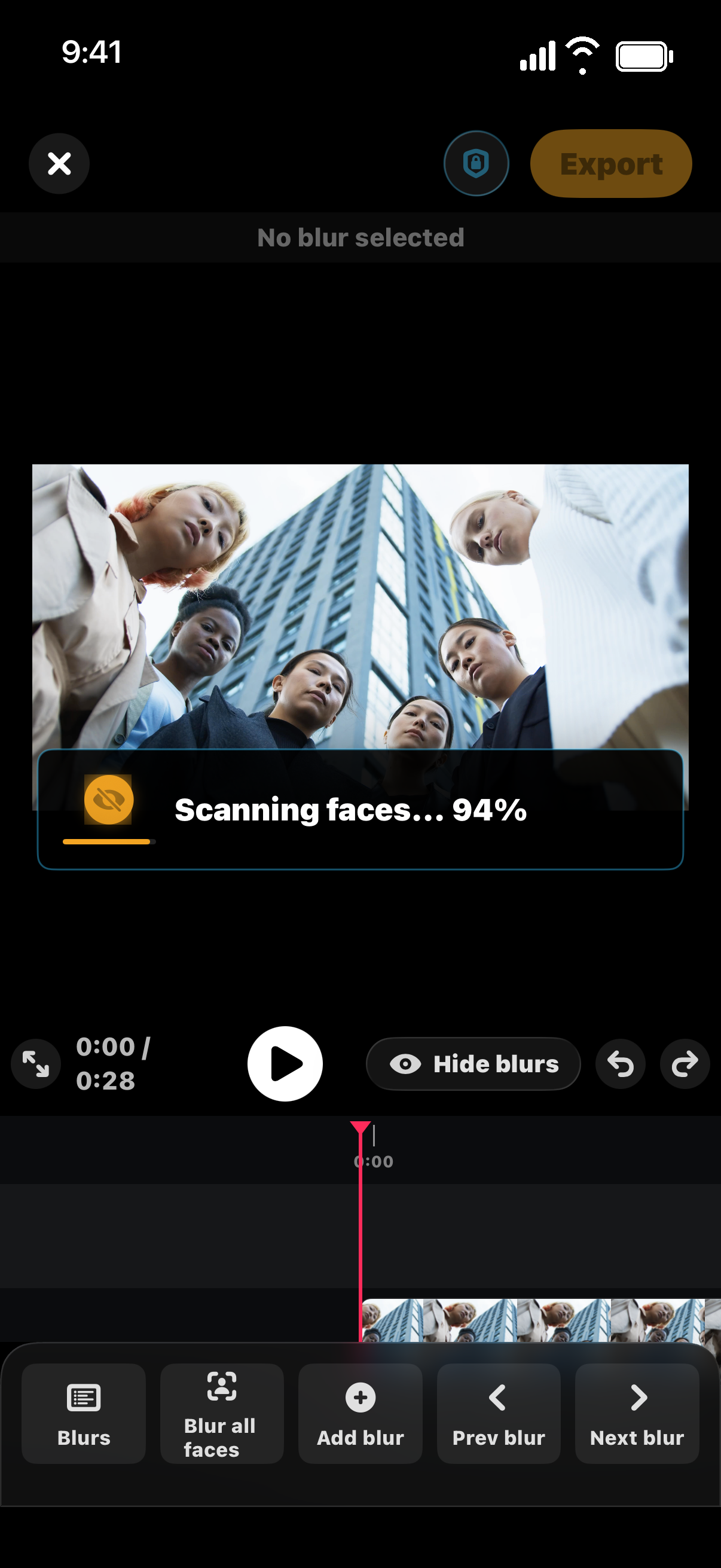
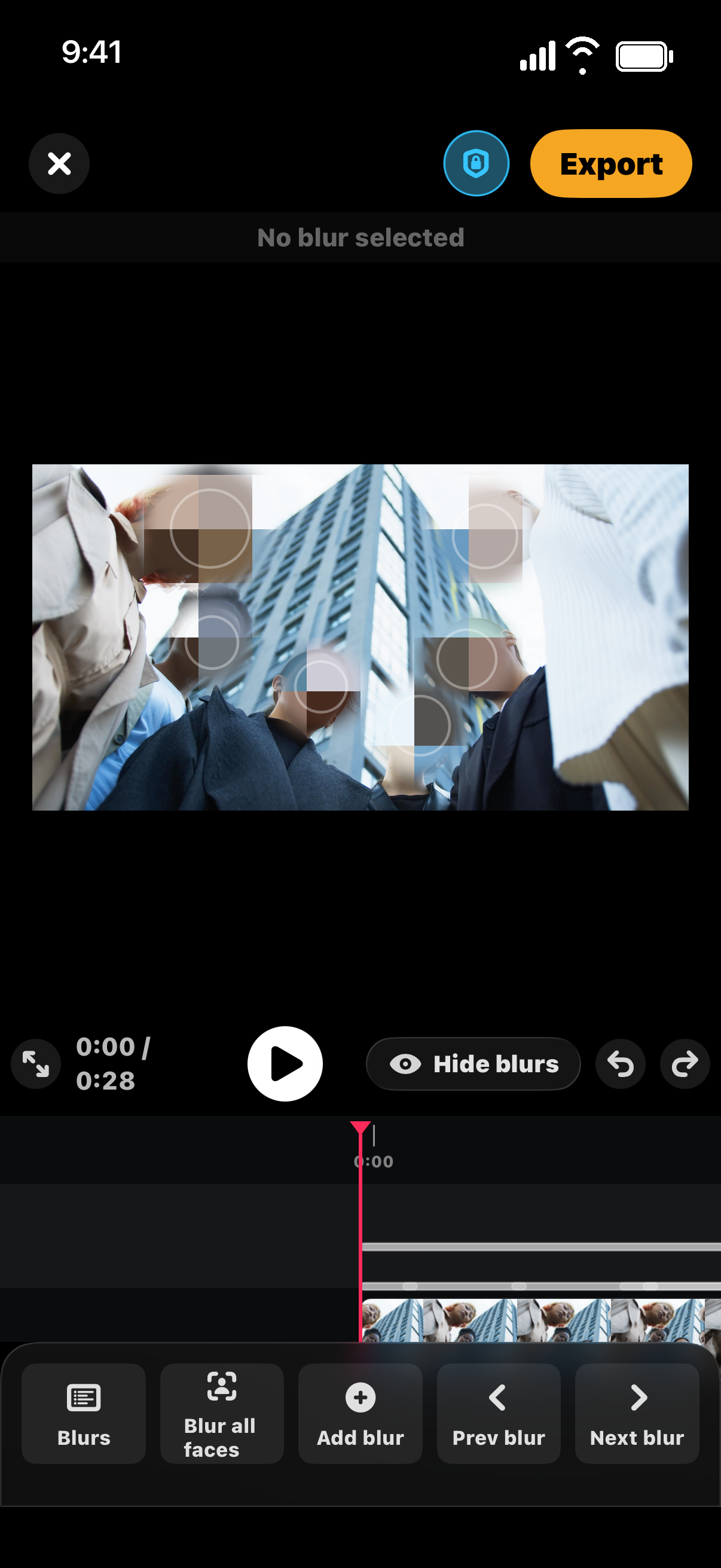
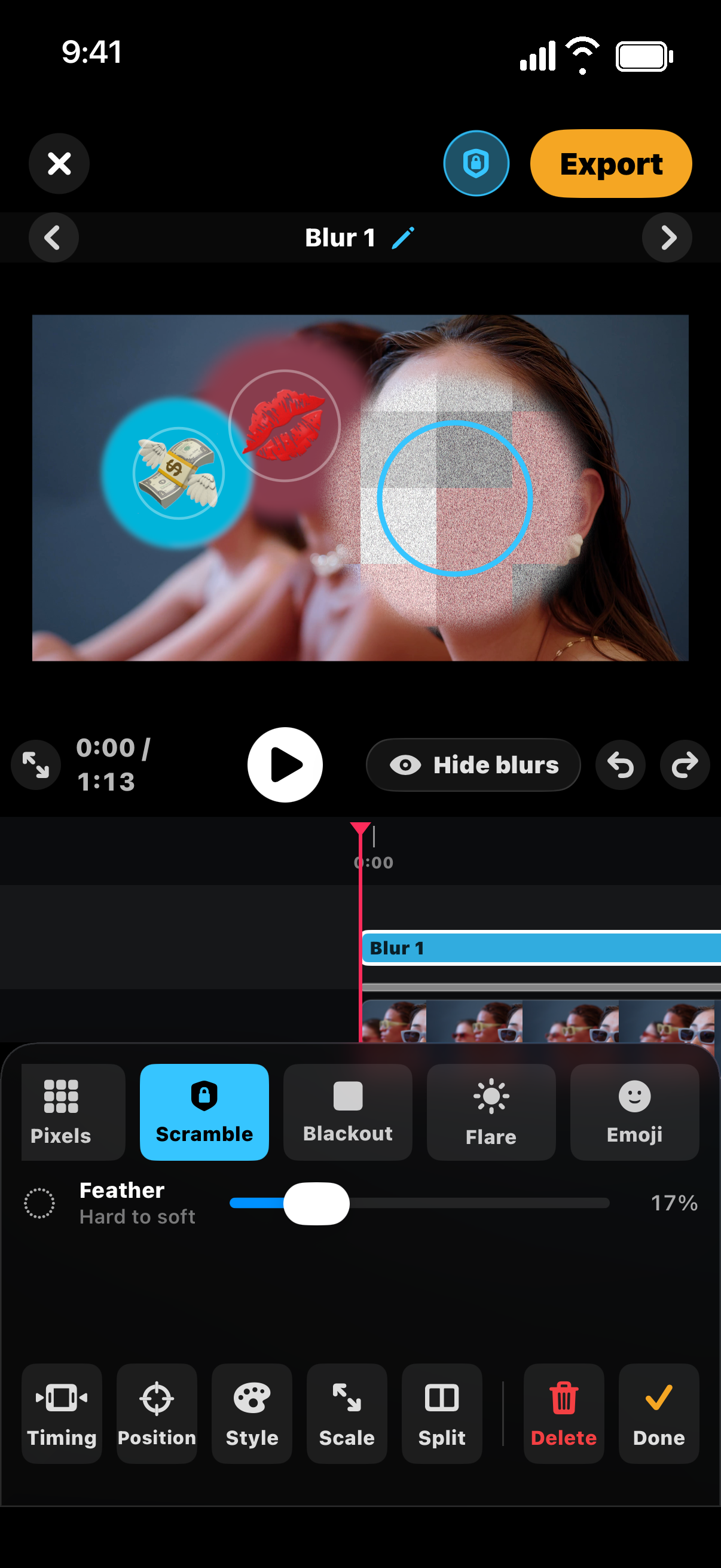
Easily customize with 5 unique blur styles. Change the position or timing with a few taps.
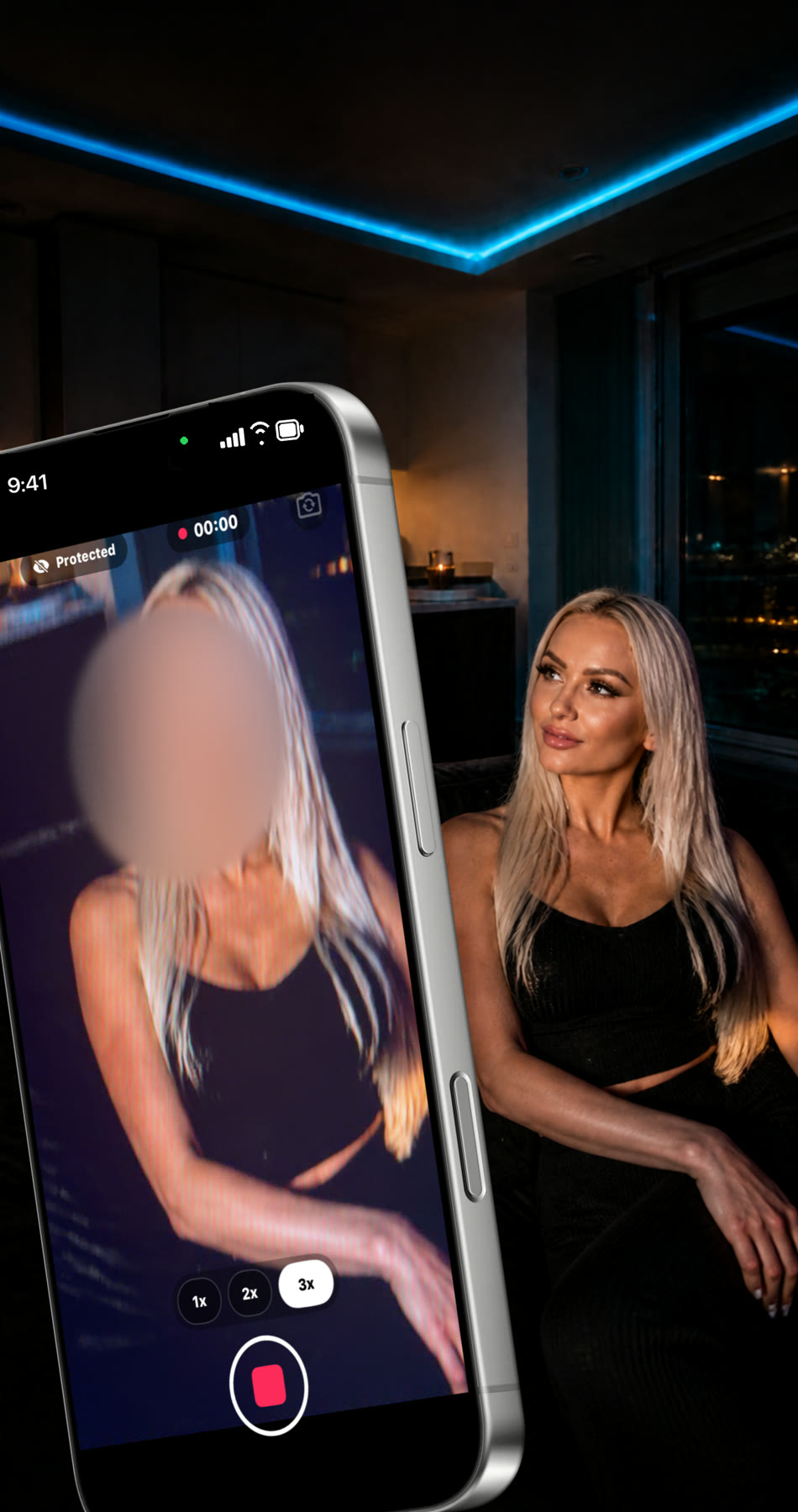
Blur faces while you record with BleepFace Pro. A final scan checks for faces the live pass missed.
Face detection, blurring, and editing happen on your iPhone. Your videos aren’t uploaded to a cloud for processing.
No video uploads. No account. No analytics.
Edit, blur, and Check for free.
Upgrade for clean exports and more ways to create.
$0
Video editing and Check.
Exports include a small BleepFace mark.
$7.99/ month
Billed monthly.
$39.99/ year
3 day free trial for eligible new subscribers, then billed yearly.
$69.99 once
Launch price for the first 69 days after release. Then $99.99.
No export mark. Live camera blur. Batch. Secure send.
Prices in USD. Subscriptions renew automatically unless cancelled. Manage or cancel in your Apple account settings.
For iPhone. Made for your footage.